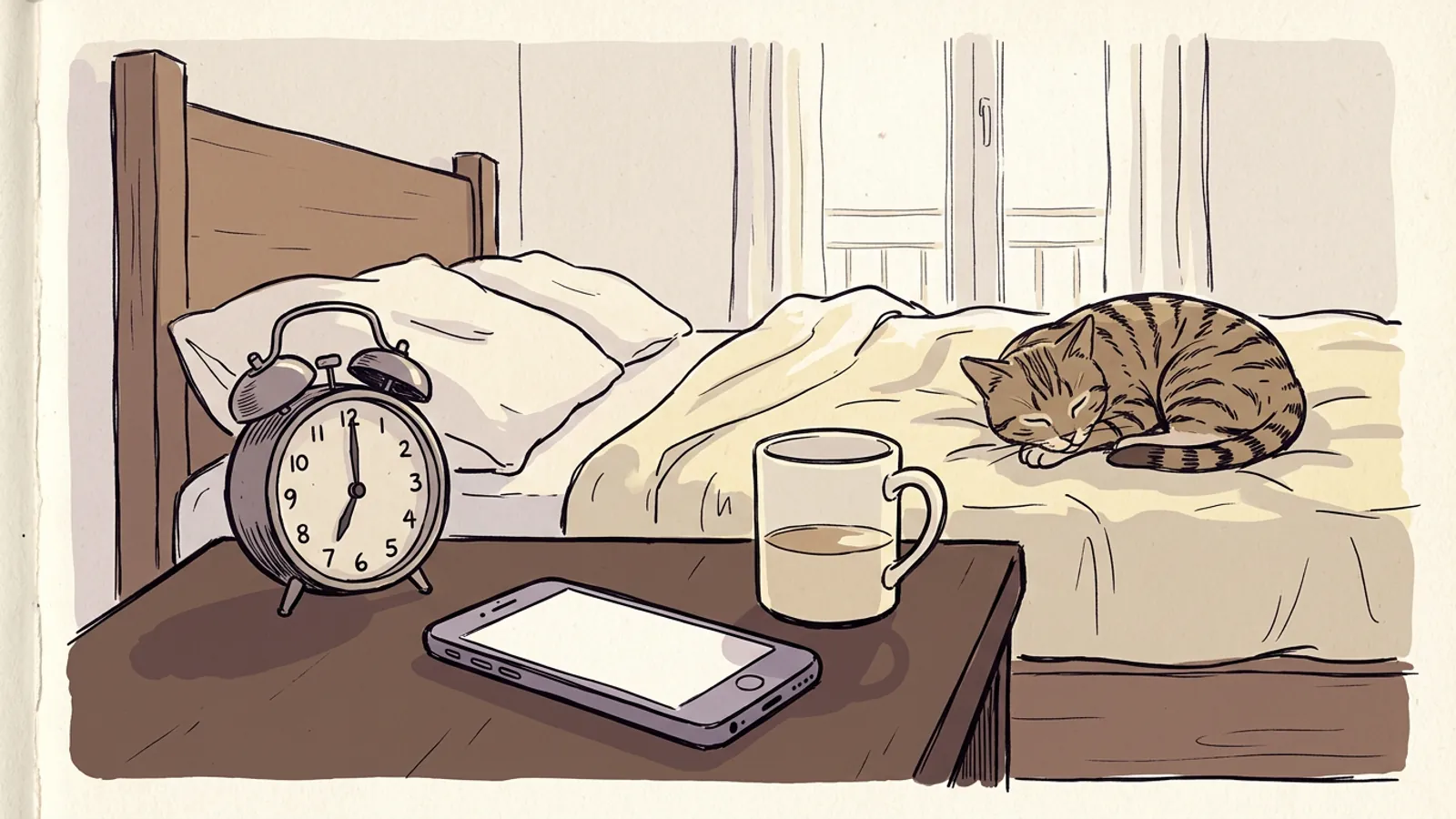
The first week on nights I set three alarms, my phone, a wind-up clock and the microwave timer, and I slept through all of them. I was twenty-three and certain the problem was volume. It was not. Since then I have tried more alarm apps than I would like to admit, and I ask any alarm clock app one small question: on a bad morning, does it get me standing up? That is the test for this page. I put Alarmy, Sleep Cycle, Sleep as Android, Wayk and the plain clock that came with your phone through it, and nothing else.
I am not scoring sleep graphs, themes or pretty ringtones. A sleep score has never once moved me out of bed.
What "gets you up" actually means
One alarm has three separate jobs, and most apps are good at one of them and weak at another.
- It has to ring. It should ring every time, at the right volume, on silent, on low battery, and after the phone has decided overnight that the app uses too much power.
- It has to get you vertical. Hearing the alarm is not the same as leaving the bed. I could hear mine. I just turned it off with the part of my brain that was still asleep.
- You have to keep using it. If you hate an alarm so much that you delete it on day four, it gets you up for exactly three days.
The second job has a name. Sleep inertia is the heavy, slow feeling right after waking, when your reaction time and judgment are worse than they will be half an hour later. Tassi and Muzet reviewed the research in Sleep Medicine Reviews (2000). They found the worst of it usually eases within roughly 15 to 30 minutes, though some effects can last longer, and it is heavier when you wake out of deep sleep. That is when you argue with the snooze button and lose.
So every app below makes one of two bets. Either it makes you do something that pushes you through the inertia, or it times the alarm so there is less inertia to push through.
The stock clock that came with your phone
I will start with the boring one, because it wins the first job. The Clock app on an iPhone and the Clock app on most Android phones are part of the system. They ring when the phone is on silent, and battery savers leave them alone. A stock alarm has never simply failed to go off on me. I cannot say that about every third-party app I have tried.
Third-party alarms have a harder life. On some Android phones, battery optimization can stop an app in the background, and its alarm stops with it. On an iPhone, check whether the app needs to stay open overnight. Some have needed that, and if you swipe one away before bed you could wake up to silence. Neither problem is a reason to avoid these apps. It is a reason to test any new alarm on a day off first.
The stock clock loses on the second job. Snooze is one tap, off is one swipe, and your half-asleep hand knows both. If you wake easily and your real problem is remembering to set an alarm at all, the best alarm app is the one you already own, and you can stop reading here. If your hand has ever turned an alarm off without asking you, keep going.
One small thing is worth knowing. Some stock clocks now have a bedtime schedule, and some Android clocks slowly brighten the screen before the alarm rings. I liked the slow brightening. It did not change whether I got up.
Alarmy and the apps that make you prove you are awake
Alarmy is the loud one, and it is honest about it. You cannot just swipe it off. You pick a mission, and the alarm keeps ringing until you finish it. The missions include math problems, shaking the phone a set number of times, typing out a phrase, doing squats, and taking a photo of a spot you registered in advance, like the bathroom sink. There is also a follow-up check on the paid tier that asks whether you are still up a few minutes after you dismiss the alarm, in case you went straight back under.
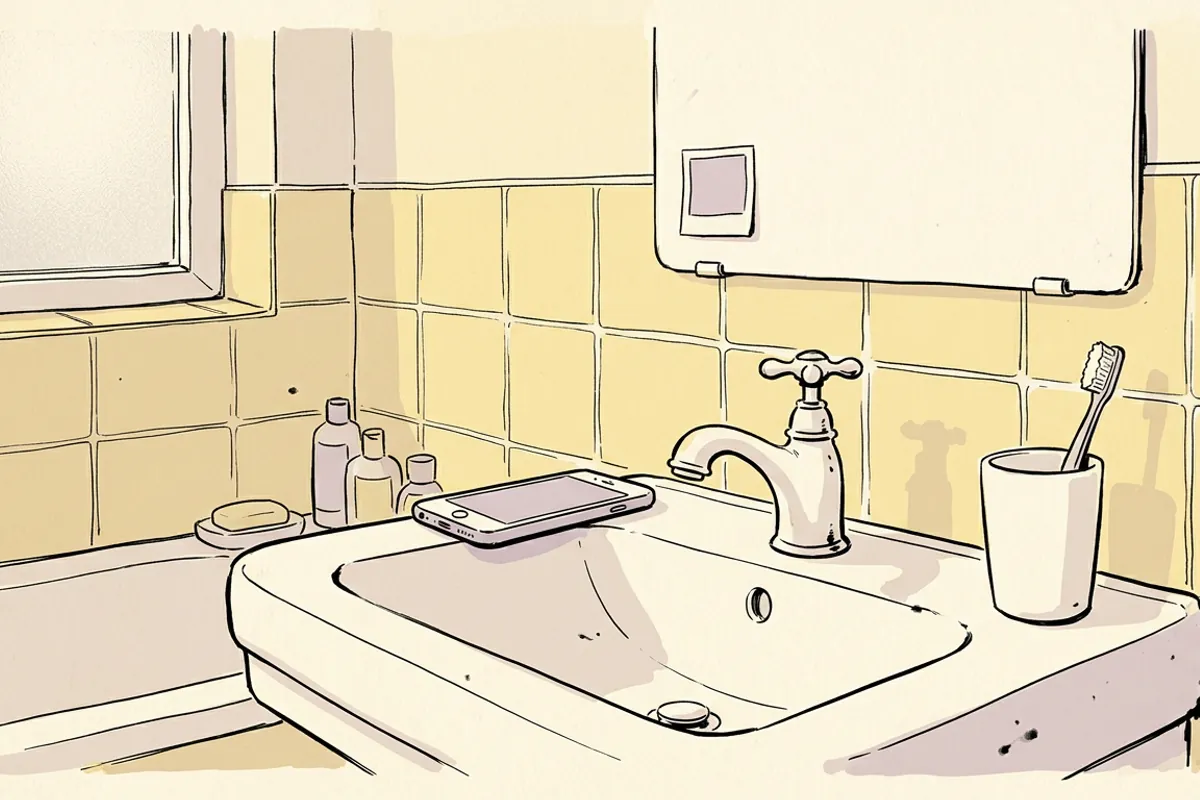
The photo mission worked on me. Getting to the sink means standing up, and once you are standing under bathroom light you have mostly won. Math failed. I got fast at three-digit sums lying down with my eyes half shut, which is impressive in a sad way and did not get me out of bed. Shaking worked for about a week, until I learned to do it without sitting up.
That pattern matters more than the app. A mission gets you up only if it physically moves you away from the bed. Anything you can do lying down, you will eventually learn to do lying down.
The downsides are real. The free version has ads, many of the interesting settings sit behind a subscription, and the whole thing can feel like punishment. Some people love that. I needed it for one bad season and was glad to stop.
You can try the idea before installing anything. The online alarm clock on this site runs in a browser tab and can ask you a math problem before it turns off. Given what I just said about math, put the laptop across the room.
Sleep Cycle, Sleep as Android and the smart alarm idea
The other bet is timing. A smart alarm asks for a window instead of a single time, such as the 30 minutes before 7:00 a.m. It tries to ring somewhere inside that window, at a moment when you seem to be sleeping lightly. The idea is that you wake from light sleep and skip the worst of the inertia.
Sleep Cycle
Sleep Cycle listens through the phone's microphone and guesses how deeply you are sleeping. Older setups used the motion sensor instead, with the phone on the mattress. You can adjust the window. The graphs are lovely. The app is built as much around tracking as around waking, and some features need a subscription.
Sleep as Android
Sleep as Android runs only on Android, and it is the tinkerer's pick. It has the same smart window and a gentle volume ramp. It also has its own missions, which it calls CAPTCHAs: math, shaking, or scanning a QR code or NFC tag you have stuck somewhere away from the bed. It can take movement data from a watch. After a trial, you pay for the full version. It makes both bets at once, which is why I stayed with it longer than anything else.
Does the smart window work?
This is where I have to protect you a little. The research is thin, and some of it is unkind to phone tracking. Bhat and colleagues, in the Journal of Clinical Sleep Medicine (2015), tested a smartphone sleep app against a full lab sleep study. The app did a poor job of matching the lab on how much light and deep sleep there was. A phone feels movement or hears rustling. It does not see brain waves.
So I treat the smart window as a way to soften the alarm, not as a precise tool. On mornings it rang early, I often felt a little less wrecked. But a gradual alarm inside a window is gentler than a sudden one anyway, I cannot separate those two effects, and I never ran a proper test.
Cycle timing doesn't need a microphone. The sleep calculator counts back from your wake time in cycles of roughly 90 minutes, the length Carskadon and Dement describe in Principles and Practice of Sleep Medicine. Yours may be 70 or 110. I wrote up how I use it in What time should I go to bed?.
Every app in this section has a snooze button, so a word on that too. Sundelin and colleagues, in the Journal of Sleep Research (2023), looked at people who snooze out of habit. Thirty minutes of snoozing did not make their morning thinking worse and cost them little sleep. That surprised me. Snooze is still a bad plan if it makes you late. But it is not the moral failure the internet says it is.
Wayk, and the limits of what I can tell you
I have spent the least time with Wayk, and I am not going to invent a verdict to make this comparison look tidy. Newer alarm apps change a lot between updates, so what I saw may not be what you download. The fair thing is to judge it by the same three jobs as everything else, on your own phone, on a day off.
Ask it three questions. Does it ring on silent, and after a night with the battery saver on? Does turning it off move you away from the bed? Will you still put up with it in three weeks? If it passes all three, its place on anyone's list of alarm apps does not matter, including mine.
I should also say I am not neutral. My opinions about waking up are built into the alarm app I am building, so read my verdicts with that in mind.
If you regularly sleep through loud alarms after a full night in bed, talk to a doctor, because that is a question for them and not for an app, and my about page says what I am and am not.
What I would set up tonight
Here is how they ranked by what actually got me up, for what it is worth.
- A plain stock alarm with the phone across the room got me up most reliably, once I had also fixed my bedtime.
- Sleep as Android with a QR code stuck to the bathroom mirror came second, because it did both jobs.
- Alarmy with the photo mission was the strongest during a bad patch, and the one I was happiest to delete.
- Sleep Cycle made mornings softer but never once stopped me going back to sleep.
- Wayk I cannot rank fairly yet.
The top of that list is not really an app. Putting the phone across the room did more than any mission, because it turned the second job into walking. Underneath all of them was the fix that ended my years of sleeping through alarms: counting back from the alarm in my spreadsheet and going to bed early enough to have enough sleep to wake from. The National Sleep Foundation panel (Hirshkowitz et al., Sleep Health, 2015) recommends 7 to 9 hours for most adults. No alarm clock app can make up for being four hours short.
So tonight, put your wake time into the sleep calculator and pick a bedtime from the ones it gives you. Set whichever alarm you already have, and put the phone somewhere you have to stand up to reach. Save any new app for a morning when oversleeping costs you nothing.